
Overview
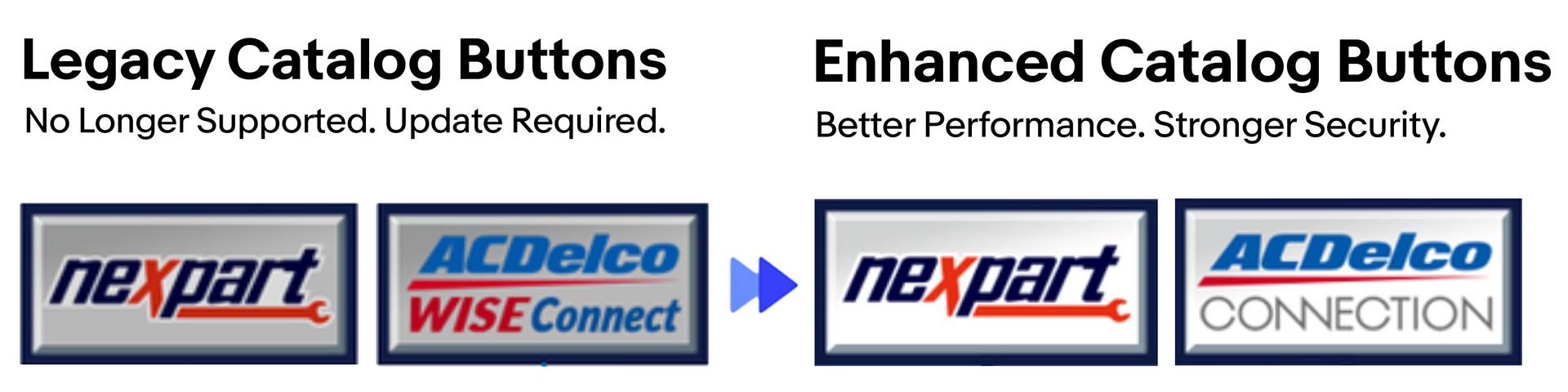
This guide walks you through updating the Nexpart and or, the WISE Connect catalog in Mitchell 1® Manager SE / ShopKey.
Catalog Update Instructions For Mitchell 1® Manager SE
Update to the Enhanced Nexpart Catalog in Mitchell 1® Manager SE / ShopKey.
The update process is quick, free, and can be completed in 2 - 5 minutes. Once updated, you’ll have faster parts ordering, improved security and access to all your existing vendors and features.
Have questions? Need Additional Help?
Or Call: 914-697-9450
Schedule assistance with our tech support reps
Overview
This guide walks you through updating the Nexpart and or, the WISE Connect catalog in Mitchell 1® Manager SE / ShopKey.
Step 1: Verify Your Current Catalogs



Step 2: Close Mitchell 1® on All Computers
Make sure Mitchell is fully closed on all computers before proceeding.
Once Mitchell is closed on all computers, proceed to Step 3.

Step 3: Access the Server Computer
The update must be completed from the server computer.
Step 4: Download the Update
Example: Download prompt from Edge
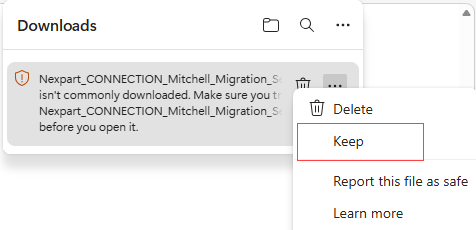

Step 5: Run the Installer
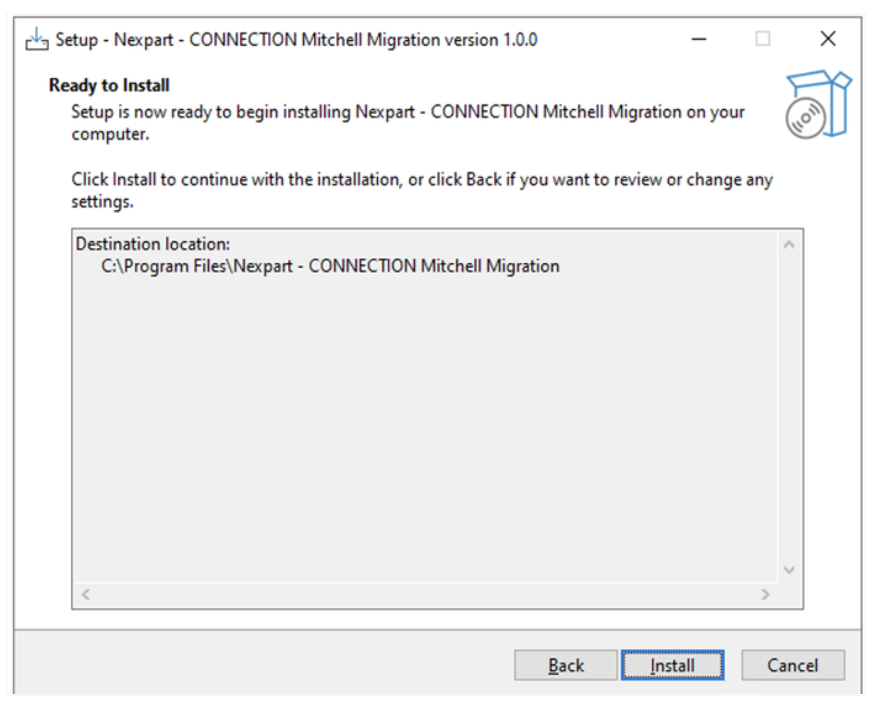
Select Finish
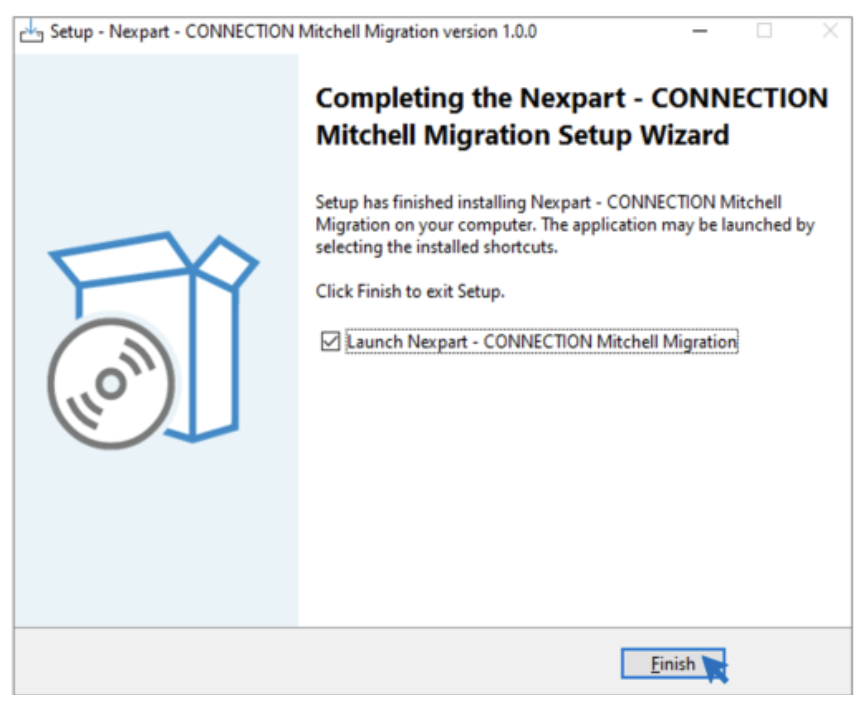
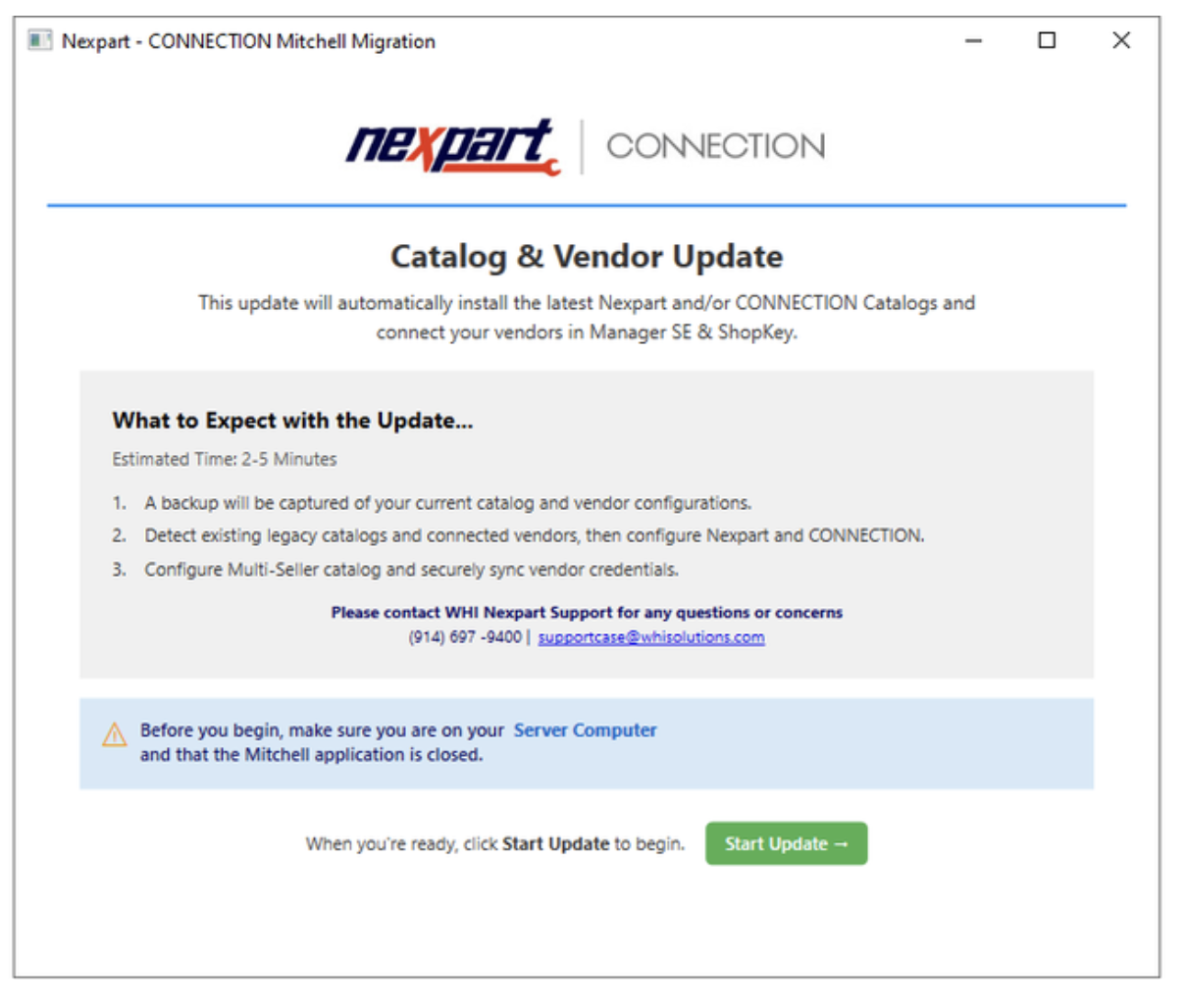
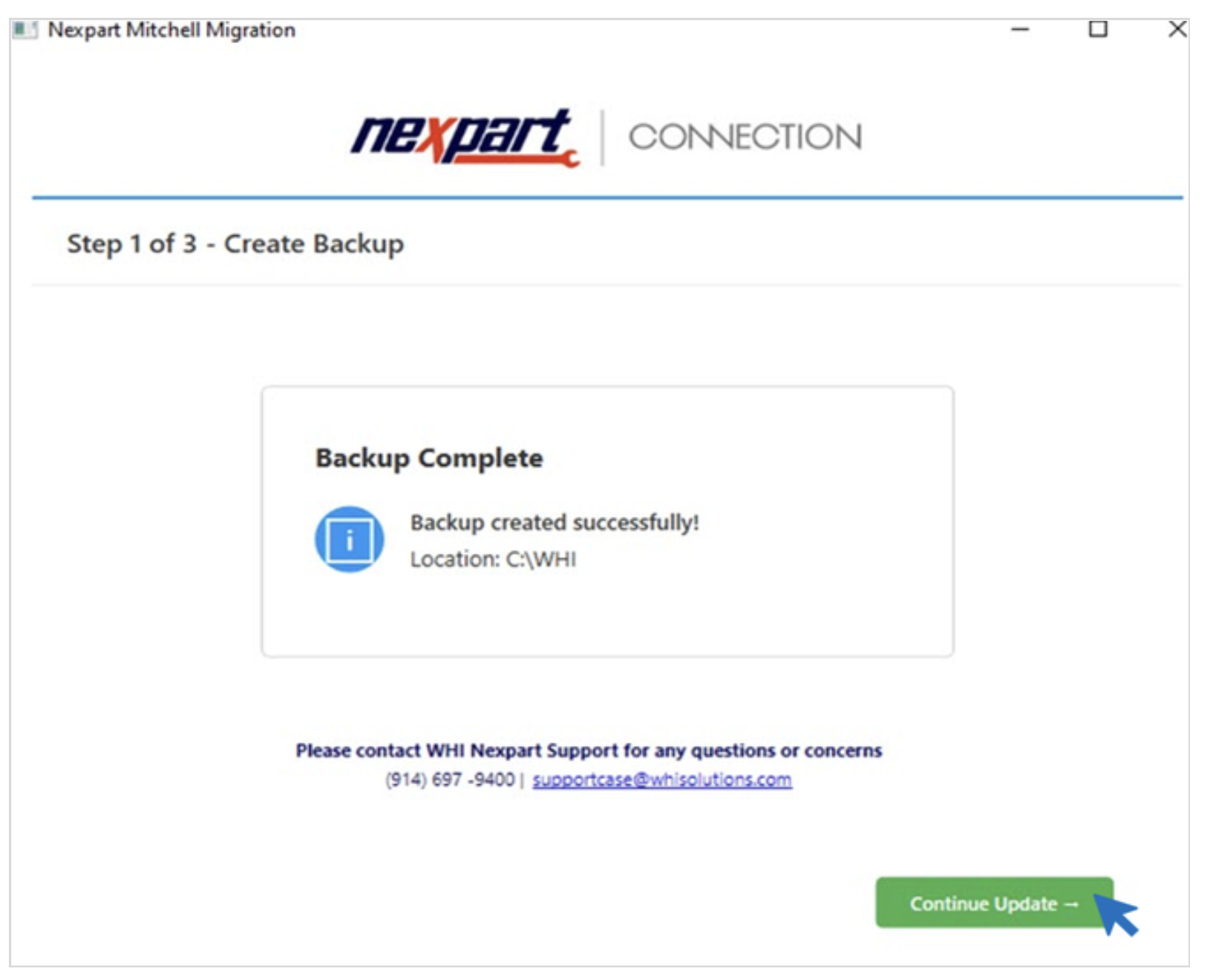
The update will complete automatically.
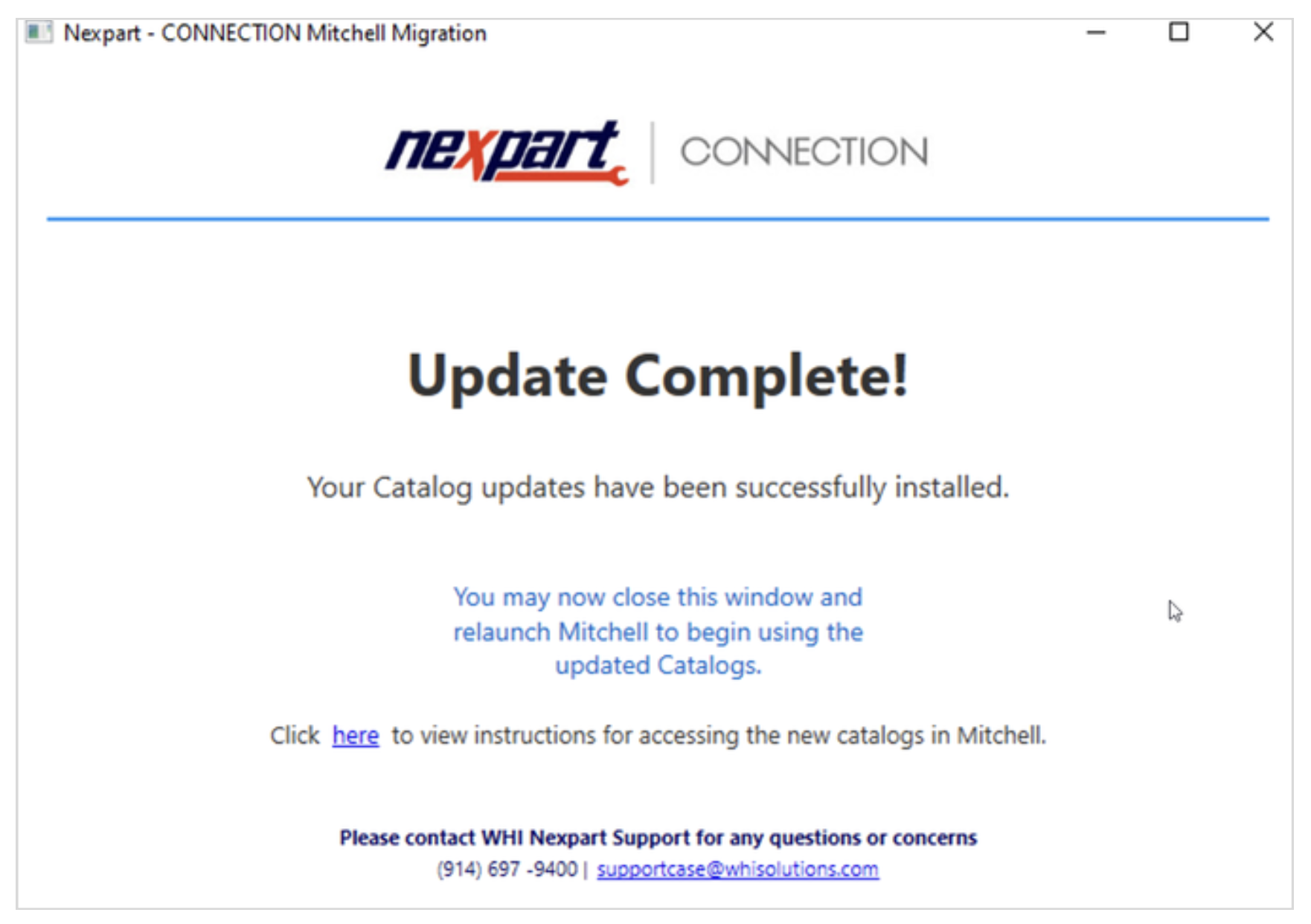
Update Complete:
What to Expect After the Update
Verify your setup


If any catalogs or Sellers are missing, or results are not as expected contact Support:
Phone: (914) 697-9400
Email: supportcase@whisolutions.com
Include the MitchellUser.log file located on the server in: Local Disk (C:) > WHI > Logs


Better Performance. Better Security. No Downtime.
In partnership with Mitchell 1® we have developed the Enhanced Catalog update which utilizes a more modern, secure browser. In order to maintain compatibility you will need to perform this one-time update to the new Enhanced Catalog in Mitchell 1 Manager SE.
The legacy Nexpart / CONNECTION catalog buttons run using Internet Explorer 11 (IE11). Microsoft has retired Internet Explorer 11 and no longer provides security updates or technical support.
Have Questions? Need Additional Help?
Schedule assistance with our tech support reps
Or Call: 914-697-9450
© 2026 Nexpart – ACDelco CONNECTION – WHI Solutions.
All Rights Reserved.